Stage 01
Build Your Computing Foundation
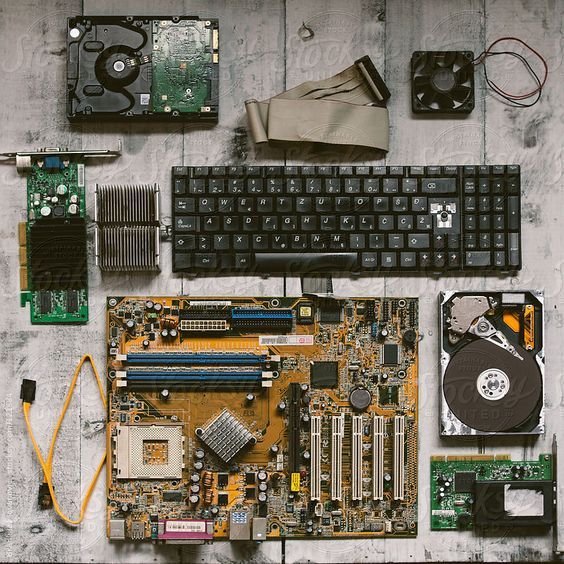
Begin with computer system knowledge, hardware components, operating basics and the technical principles needed for maintenance work.
FoundationKeeping digital systems reliable through diagnostics, repair and technical discipline.
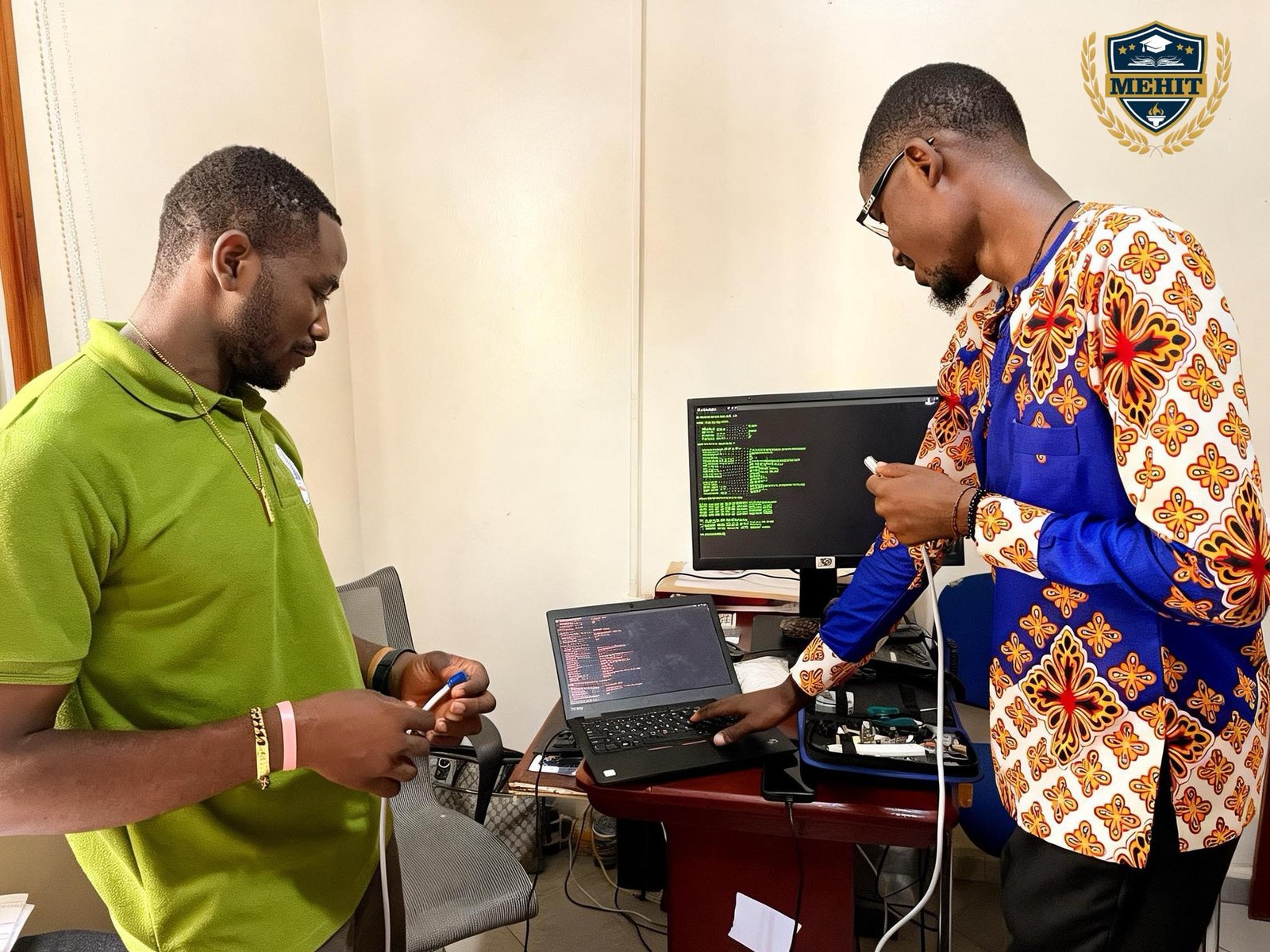
The Hardware Maintenance programme at MEHIT University prepares students with practical knowledge in computer systems, diagnostics, repairs, device setup, preventive maintenance, networking basics and technical support for careers in IT service centres, organizations, schools, businesses, digital offices and technology support environments.
The programme guides students from computer system foundations into hardware diagnostics, repair support, preventive maintenance, networking basics and professional technical readiness.


Begin with computer system knowledge, hardware components, operating basics and the technical principles needed for maintenance work.
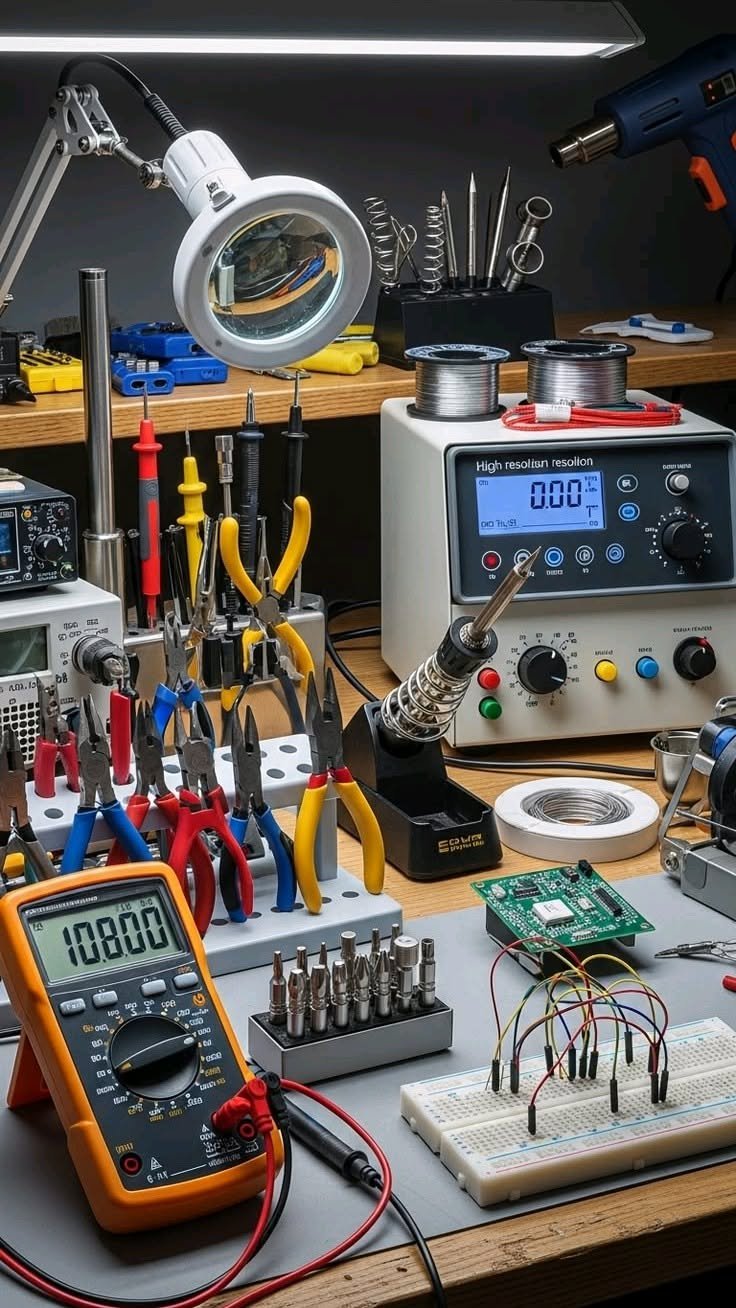
FoundationLearn fault identification, testing routines, troubleshooting methods and careful technical observation for reliable maintenance support.
DiagnosticsBuild practical ability in device setup, component replacement, preventive maintenance, networking basics and maintenance documentation.
MaintenanceComplete applied hardware maintenance work that demonstrates readiness to support users, organizations, devices and technical service environments.
ReadinessExplore the computer systems, diagnostics, repair and support skills that prepare students to maintain digital devices and assist users in professional technology environments.


Learn how computers, peripherals and internal components work together in modern digital work environments.
Build practical awareness of fault identification, testing routines and technical troubleshooting methods.
Develop supervised skills in component replacement, device setup, repair support and service procedures.
Understand the basic hardware, cabling and setup principles that support connected computer systems.
Learn maintenance routines that help reduce faults, extend device life and keep systems reliable.
Practice responsible service communication, documentation and support routines for users and organizations.
Students learn through practical hardware lab sessions, troubleshooting exercises, repair practice, device setup tasks, maintenance documentation and portfolio-based projects that prepare them to support digital systems in professional environments.
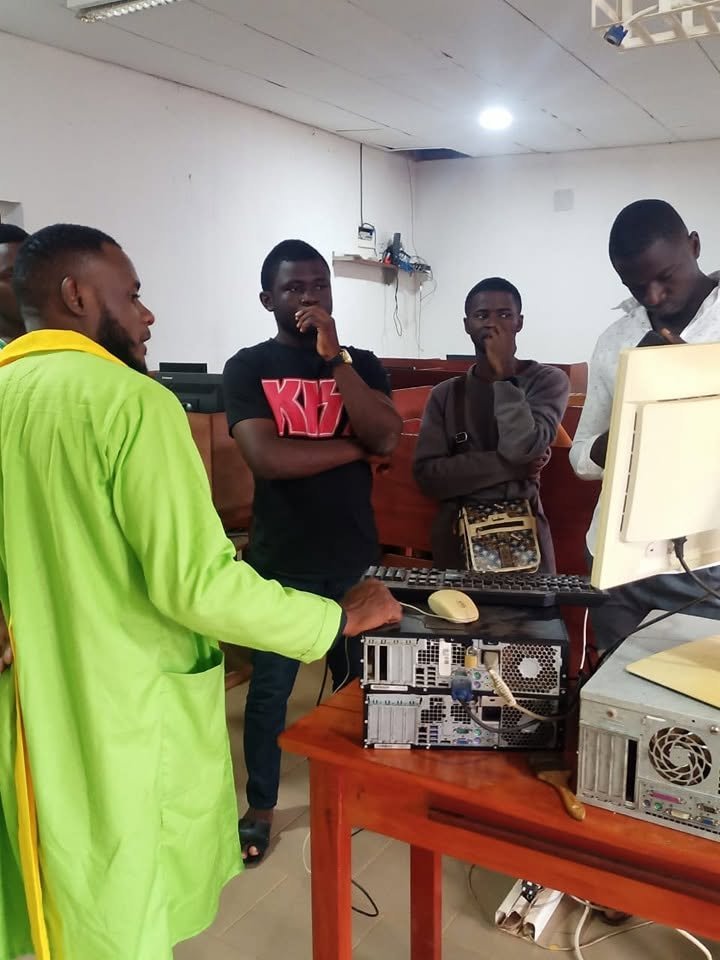
The learning experience connects computing knowledge with hands-on maintenance practice: diagnosing faults, setting up devices, replacing components, documenting service work and building a professional portfolio around applied technical support tasks.
Students work with computer components, peripherals, setup routines and supervised technical procedures.
Learners practice fault identification, testing steps and structured diagnostic thinking.
Students develop awareness of component replacement, device servicing and careful repair support.
Practical sessions build confidence in preparing computers, peripherals and basic connected systems.
Students learn how to record faults, service steps, technical observations and support outcomes.
Applied projects help students demonstrate diagnostics, repair, setup and technical support readiness.
Graduates are prepared to support IT service centres, organizations, schools, businesses, digital offices and technology teams through diagnostics, device setup, repair support, preventive maintenance and user-focused technical service.
Confirm with Admissions
Four Semesters + Practical Hardware Maintenance Training
Mathematics, computer science, physics, technology or relevant subjects preferred
Full-time On-Campus Programme
MEHIT University Main Campus
Current tuition available from Admissions Office.
Prepared for hardware maintenance, computer repair, IT support, device setup, technical service and technology support roles.
The Hardware Maintenance programme is completed over two academic years including practical hardware lab training and portfolio-based technical support work.
Students study computer systems, hardware diagnostics, repair practice, networking basics, preventive maintenance and technical support.
Yes. Students develop practical skills through hardware lab practice, troubleshooting exercises, repair practice, device setup sessions, maintenance documentation and portfolio-based hardware projects.
Yes. Graduates may progress to further studies in computer engineering, information technology, networking, systems support or related fields subject to the University’s admission requirements.
Graduates may work as Hardware Maintenance Technicians, Computer Repair Assistants, IT Support Assistants, Device Setup Assistants, Technical Service Assistants, Computer Lab Assistants and Technology Support Assistants.
Applications are submitted through the MEHIT University Admissions Office. Contact Admissions for entry requirements, tuition fees and application deadlines.
Join an engineering programme designed to develop practical, disciplined and technically confident professionals ready to support computer systems, hardware diagnostics, device setup, repair practice and reliable technology support.